I’ve been sitting on a Cricut Explore 3 for about 2 years now. With the book happening, I decided I wanted to start making use of it for in-house merch. Which resulted in trading my laserjet (for printing manuscripts) for an inkjet and learning how to print images.
Anyway, here’s my process, which I’m putting here for my own info as well as just sharing:
To begin with, most of my own methodology came from this vid on YouTube: HOW TO MAKE PRINT THEN CUT STICKERS WITH CRICUT by Kayla’s Cricut Creations I even went so far as to use the material she suggested which she links but I’ll put it here, too: Printable Vinyl Sticker Paper – 25 Super Glossy Waterproof Labels for Inkjet and Laser Printers – Premium White Full Sheets – Strong Adhesive – Tear Resistant
It was all pretty straightforward, to be honest. I uploaded one of Rhett’s pieces, it offered to remove the background, but he’d already done that for me, resized it and then created the offset. Now, my options looked a little different from her’s, but she helped me get my bearings. It took SEVERAL passes to realize I had to make the offset AND the outline white so it wouldn’t print.
The Cricut did a great job, but I was running into a quality issue that after finally eating something and thinking with a clear head I realized was coming from my printer. You see, the stickers weren’t pealing cleanly from the back. At first I thought the vinyl was old or something, but then my big ol’ pea brain turned on and I realized the printer was probably oversaturating the material. Sure enough, I came to a more solid realization when I smudged one of the stickers.
SO! As Kayla suggested, I opened the system dialog and made a few alterations. One being telling the machine I was printing on glossy paper and the second being changing the quality to “Draft”. Still not sure that second one mattered, but it was on a forum post about images smudging after being left to dry. My piece had been sitting for about an hour and still smudged.
ETA: I left a sheet out overnight and it still smudged. So, believe it or not, I consulted the FAQ that came with the vinyl sheets. Lo and behold, I was reminded DPI was a thing. Lowered that and printed a new sheet. Zero smudging. Additionally, the vinyl suggested I use the Cardstock setting and AGAIN, I got the results I wanted:
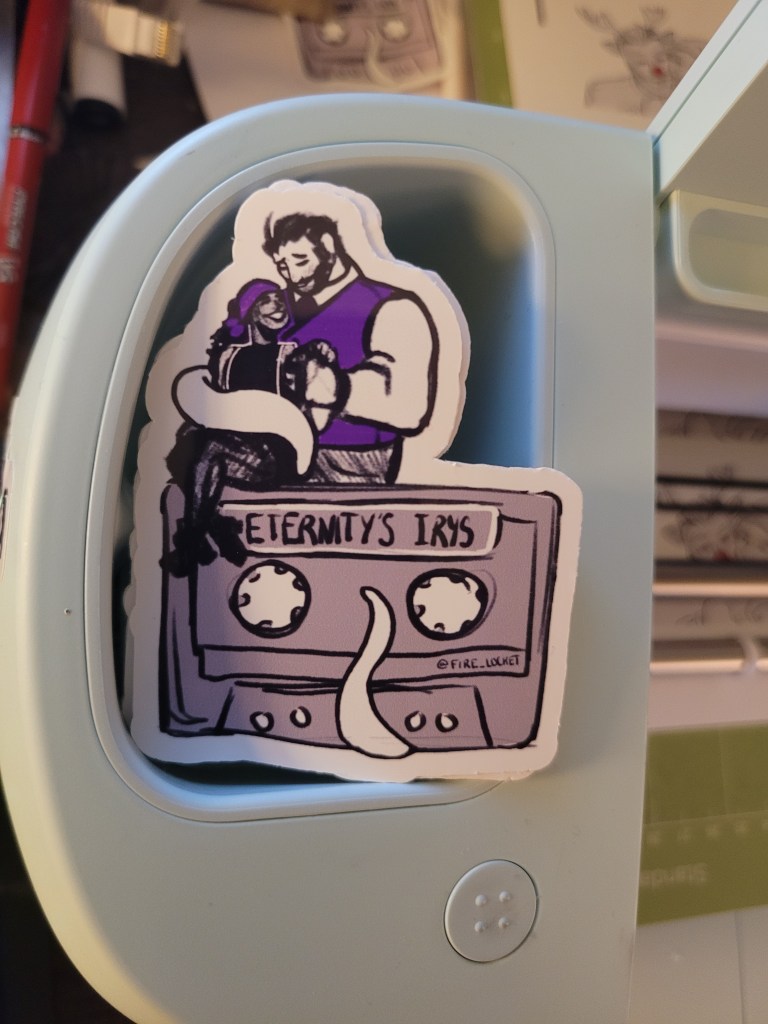
A stack of waterproof, free cut, smudgeless stickers! (end of edit)
Anyway, with those changes, we ran it again and here’s the result!
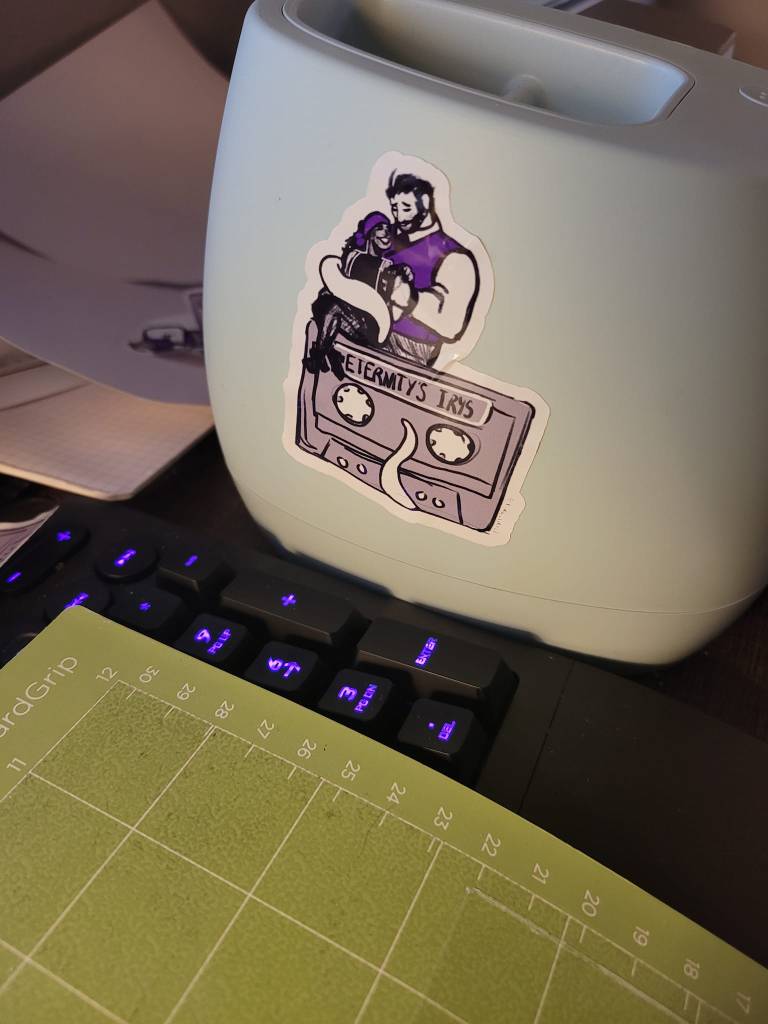
Please ignore the crease as I apparently don’t know how to handle stickers.
You can look forward to this and some other designs going on sale AND/OR be included in pre-order bundles! More to come on that soon!
As always, stay tuned!
🦑💜🦇
An additional edit:

Encountered a weird issue with this one during the cut phase, but it was probably because I put the sheet in crooked. Most of them came out just fine!
 Eternity's Irys